CRM-connected platform
- 1Scope the integration and get security sign-off
- 2Configure OAuth, roles, and field mappings on both sides
- 3Wait for both CRMs to sync
- 4Reconcile mismatches and monitor sync errors over time
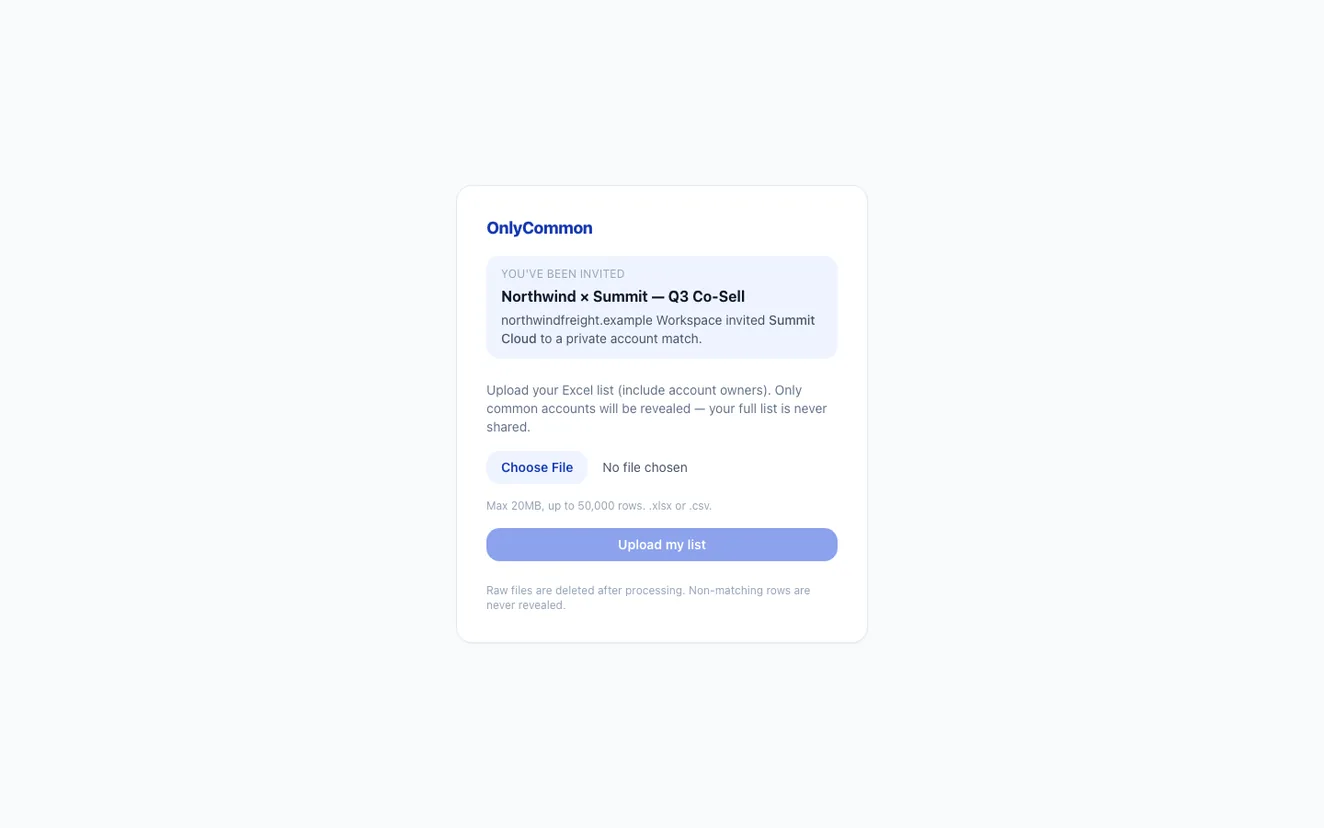
Skip the OAuth flow, security review, and ongoing sync. Each side exports a focused Excel or CSV list, uploads it privately, and OnlyCommon reveals only the accounts you share.
Two ways to map accounts
Both approaches have their place. This is what the workflow actually looks like on each path.
What we store
The cleaned shared-account result — companies on both lists, match type, and confidence.
Rows that only appear on one side. Non-matching accounts are never shown to the other company.
Your raw uploaded file. Once the match is computed, the original spreadsheet is removed.
When to skip integration
You're mapping a single partner or short-list, not standing up a permanent program.
You want to prove overlap before investing in integrations or a larger platform.
You want to test an upload-based workflow before committing to a larger integration or review process.
You use Salesforce, they use HubSpot (or something else). Uploads sidestep the integration matrix.
Not every partner is on the same ecosystem platform. OnlyCommon works with any partner willing to send a list.
Prove the co-sell motion works with one or two partners before you commit to a broader tooling investment.
Prepare a focused export
A cleaner input file makes for a stronger match. Aim for columns like these before you upload.
A line is one account row processed by OnlyCommon. If each company uploads about 100 accounts, the total is 200 lines — which fits comfortably in the free plan. That's enough to run a focused test with a partner before you decide to scale up.
Privacy first
OnlyCommon reveals only the accounts that appear on both lists. Everything else stays private to the side that uploaded it.
Non-matching rows are never shown to the other company. Your full list stays yours.
We keep the cleaned match result, not your original spreadsheet.
Your partner can upload and join in one step — no account required to get started.
200 free lines every month. Unlimited users. No per-seat fees. Upgrade when you're ready to map more accounts or run more partners.
Upload a focused list, invite by link, and see the accounts you share — 200 free lines every month.