1
Create a match.
Choose Team Match (includes account owners, so we can auto-intro sellers) or Direct Match (company-level only), name it, and add your partner.
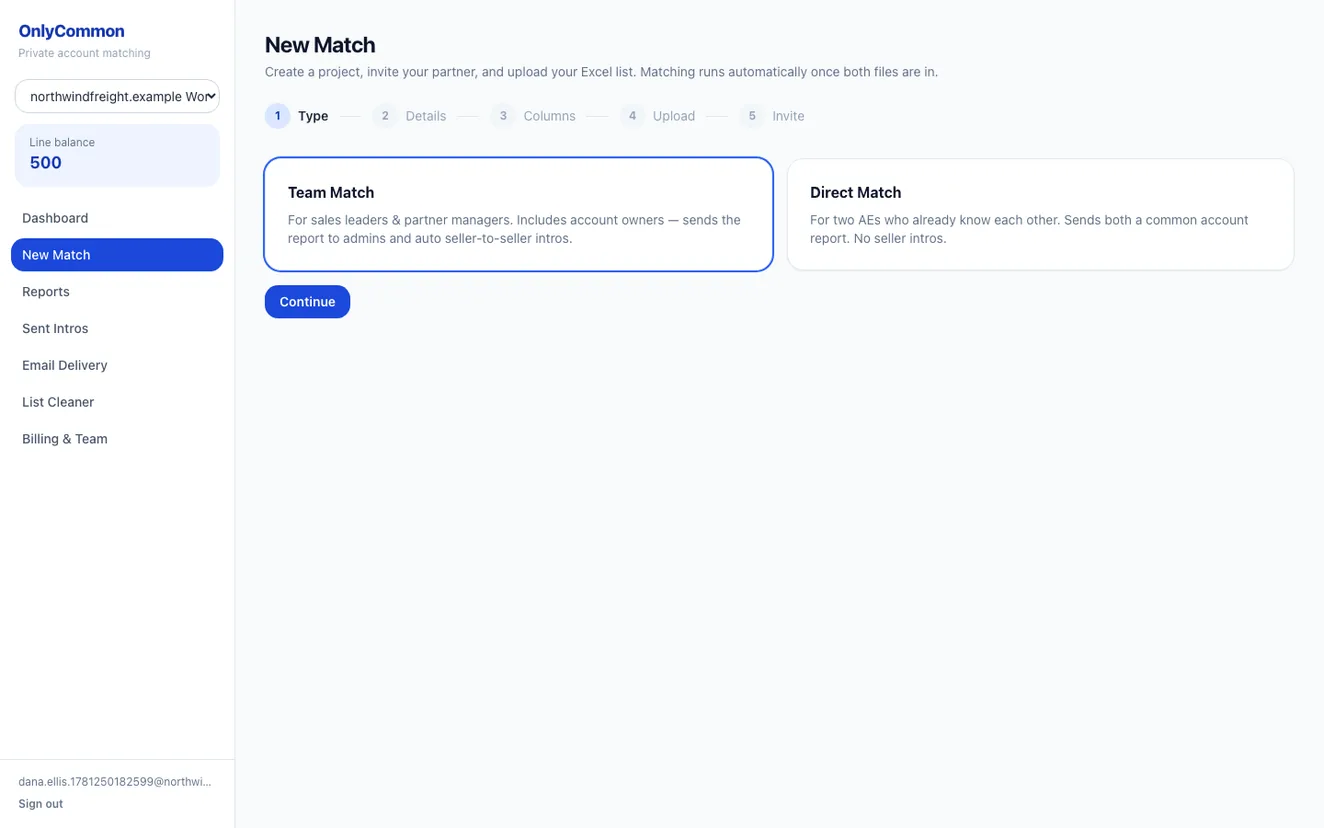
From two account lists to a shared, co-sellable pipeline — without exposing either company's customer base. Here's the whole flow.
Choose Team Match (includes account owners, so we can auto-intro sellers) or Direct Match (company-level only), name it, and add your partner.
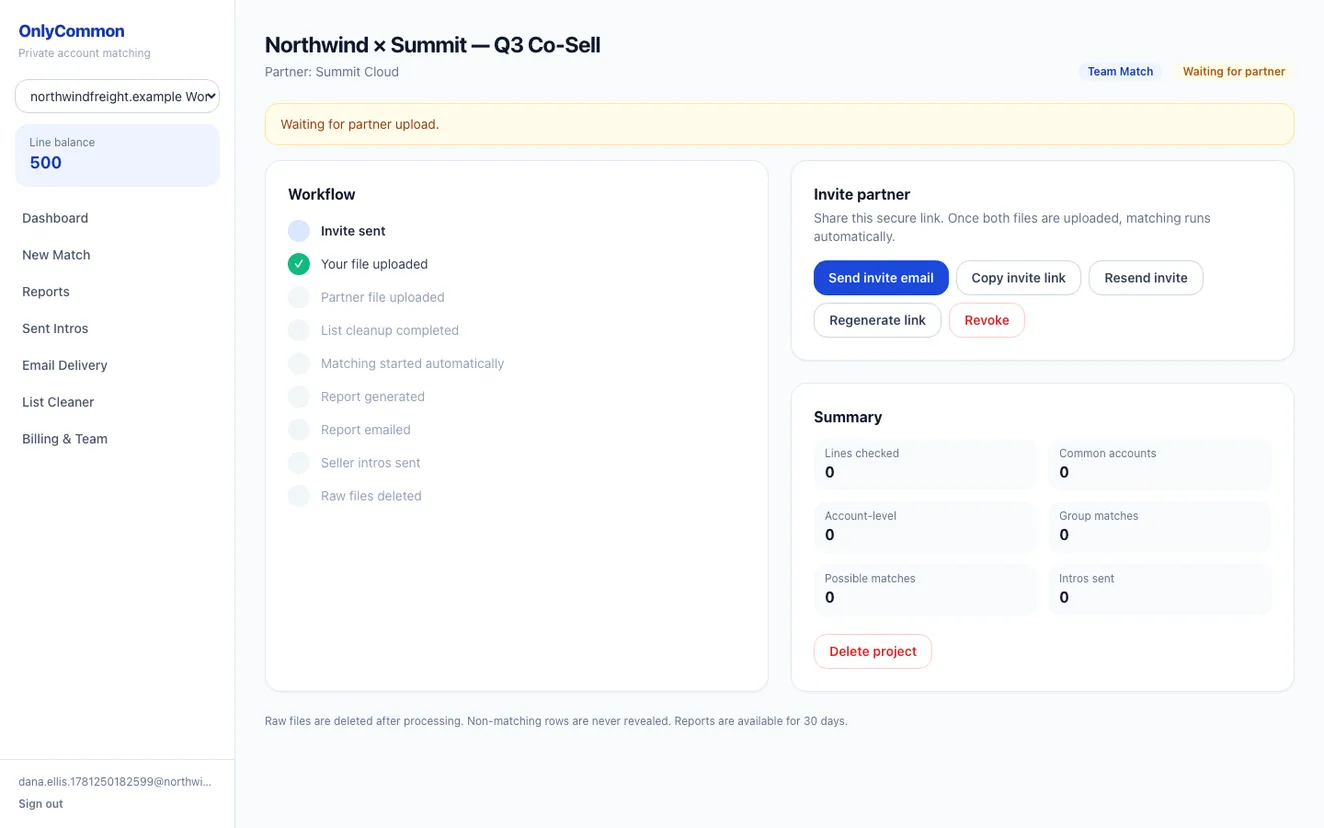
Send a secure link — they can upload and join in one step, even without an existing account.
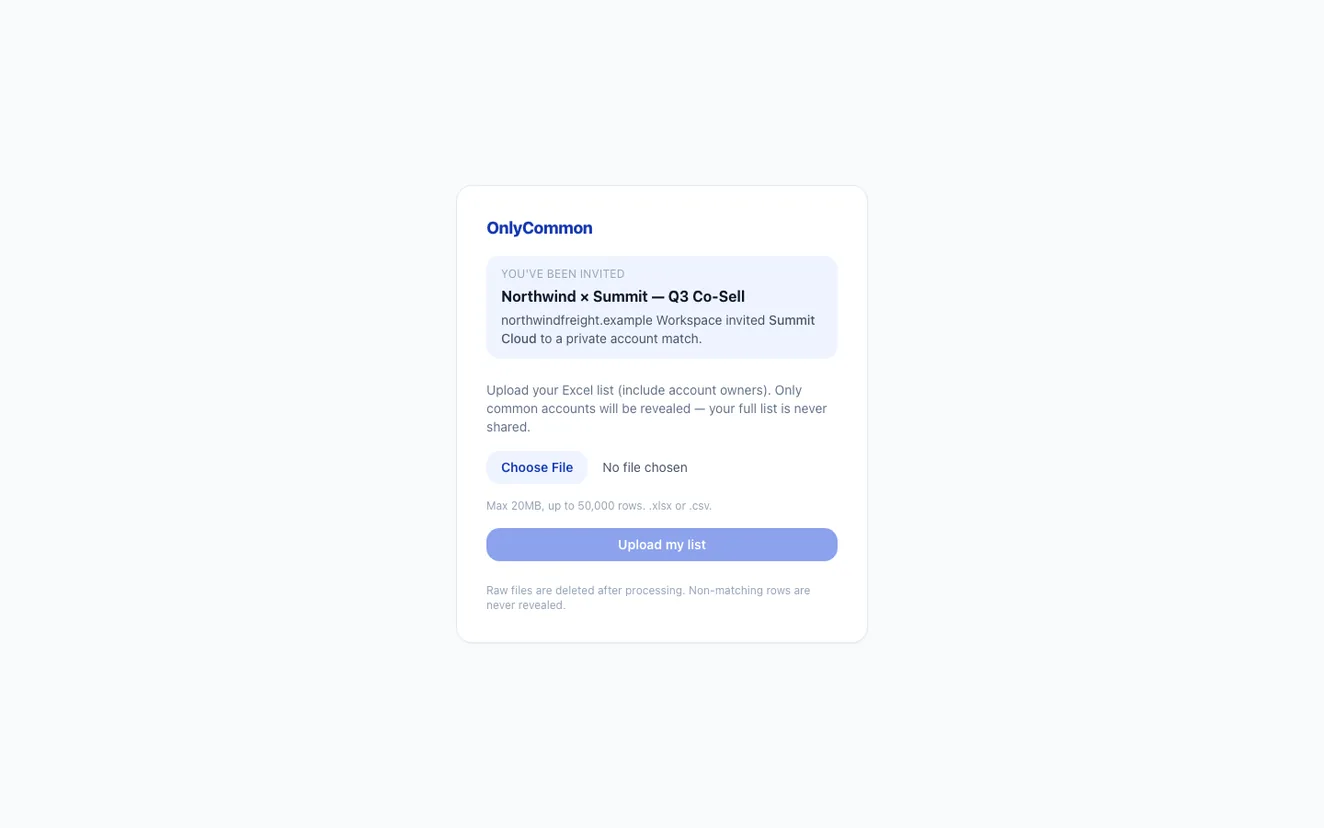
They drop in their account list; OnlyCommon cleans and matches it automatically. Raw files are deleted after processing.
Get a clear report of the accounts you share, with match type and confidence — and nothing else. Non-matching rows are never revealed.
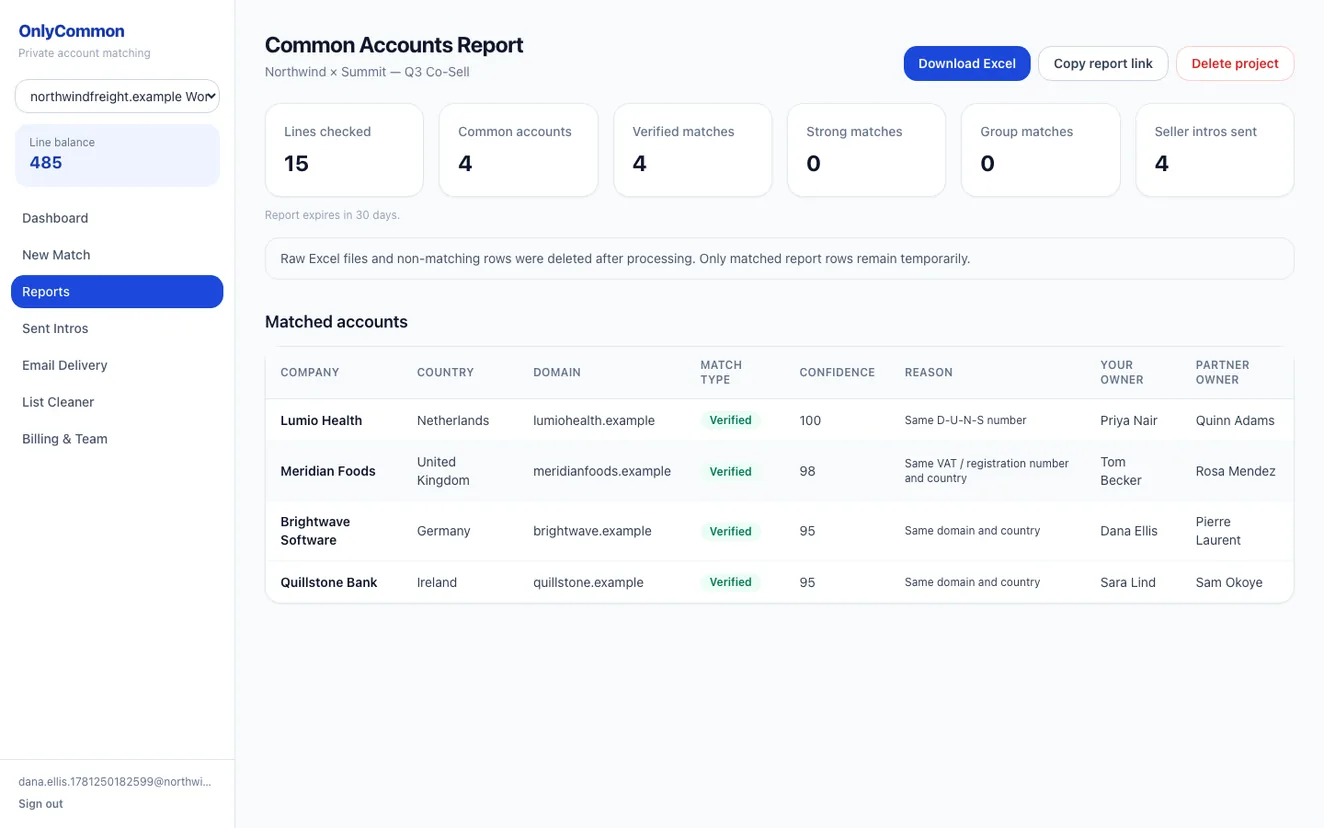
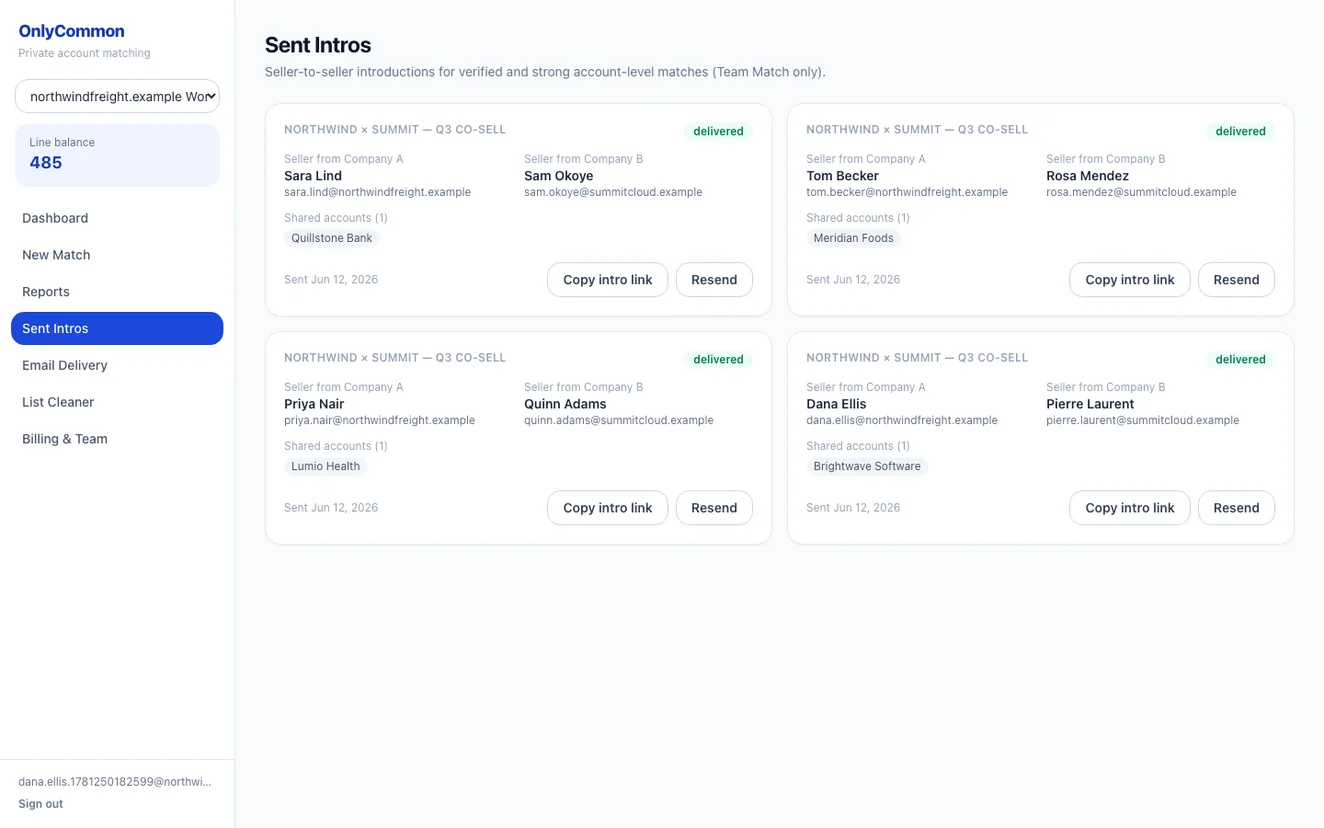
For Team Match, OnlyCommon automatically introduces the account owners on each side so they can plan the deal together.
Every match, its status, and your shared-account numbers in one place.
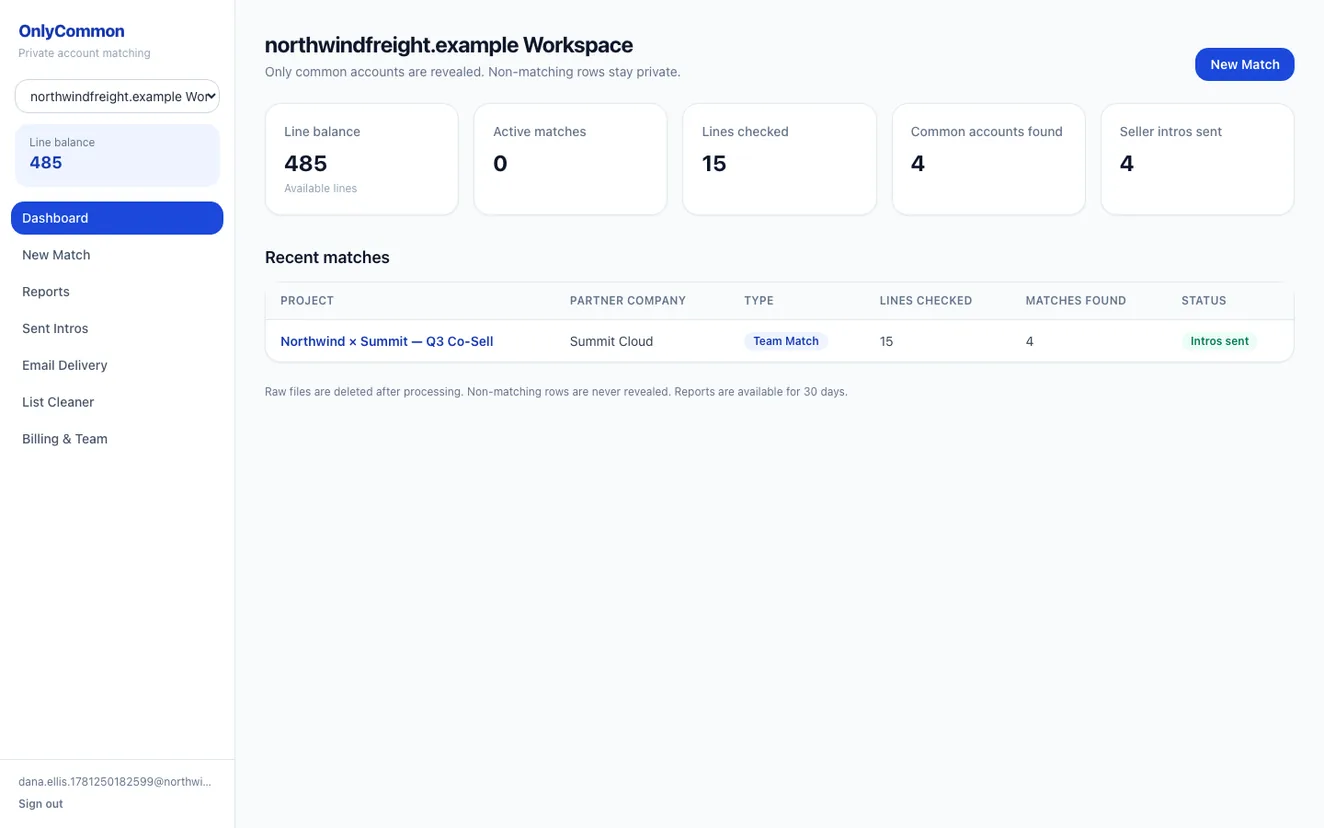
See the accounts you share with your partners — securely, in minutes.