Account mapping before CRM integration
TL;DR
Connecting two CRMs to a partner platform is expensive — RevOps and IT time on both sides, security and legal reviews, ongoing maintenance, and a partner willing to fund the same work in parallel. It's a scaling decision, not a partnership-validation requirement. Start with private, upload-based account mapping to validate the overlap. Integrate later, when a pilot has produced pipeline and the volume outgrows manual.
The premature-integration problem
Most partner mapping tools ask both companies to connect their CRMs and join the same network before you can map a single account. On day one of a partnership — before there's any evidence the partnership will produce pipeline — this puts the biggest, slowest, most political step first.
What does connecting two CRMs actually require?
- RevOps design and maintenance on both sides — field mapping, dedup rules, conflict resolution, ownership of the sync when it breaks.
- IT and security review on both sides — new vendor, new data flow, new access.
- Legal review on both sides — data processing terms, sub-processor lists, cross-border data transfer if relevant.
- Change management — sellers on both sides learning a new workflow.
- Ongoing troubleshooting — CRM schemas change, integrations break, someone owns that forever.
And — this is the part that's easy to miss — you have to persuade your partner to fund all of the same work in parallel. Even if you're ready, if the partner's RevOps is under-resourced or the partner is still evaluating the relationship, the integration will sit half-built.
All of that, before anyone has proven the partnership has enough commercial substance to justify it.
Account mapping is the validation step, not the integration step
Mapping and integrating solve different problems.
Mapping answers: do we have enough shared accounts, of high enough quality, to justify running a joint motion? That's a question you want answered in an hour, not a quarter — and the answer determines whether integration is worth pursuing at all.
Integration answers: once the joint motion is scaling, how do we operate it efficiently in-flow inside our CRMs? That's a genuine scaling problem, but it's a problem only validated partnerships have.
When mapping is bundled into integration, you can't answer the first question without paying for the second. That's the trap.
The upload-based alternative
A simpler model gets you the mapping answer without the integration prerequisites:
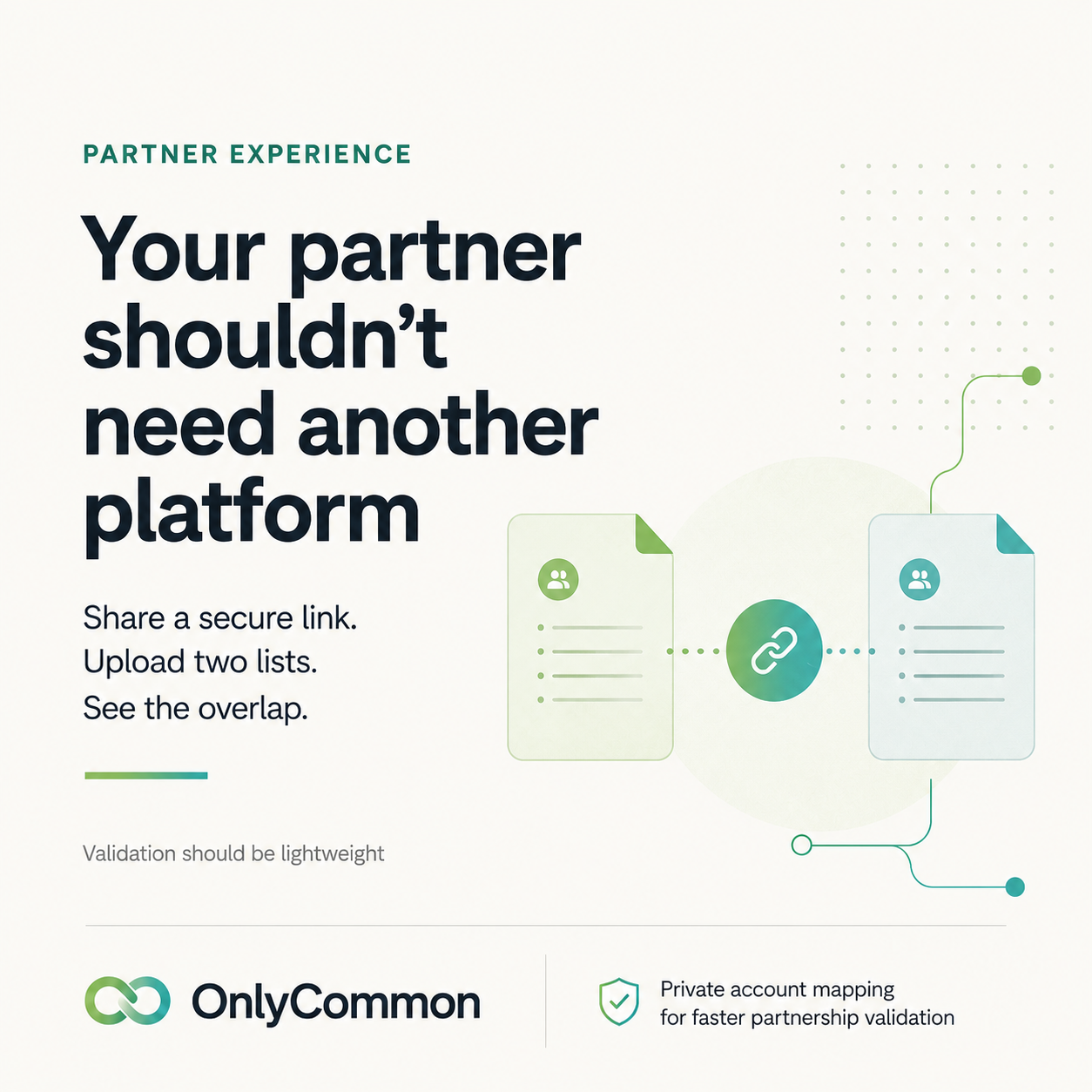
- You create a match and invite your partner with a secure link.
- Each side uploads a CSV or Excel list — no CRM connection.
- The tool matches the two lists and reveals only the accounts you have in common. Non-matching rows are never shown.
- Raw files are deleted within about 24 hours; reports expire within about 30 days. Nothing is synced or stored long-term.
Your partner doesn't need an account, doesn't connect a system, and doesn't see the rest of your list. You can map with any partner — including one who's never heard of the tool — in minutes.
The matching itself is robust: domain, company name, DUNS, VAT / registration number, with country-aware logic. "Acme GmbH" and "Acme Deutschland" still line up.
Is uploading a list risky?
Less risky than the integration alternative. Integration-based tools sync your entire CRM into a third-party platform continuously. Privacy-first upload-based mapping only reveals the overlap and deletes the raw file. You learn where you can co-sell without exposing who else is on your book.
This is also why you get a more complete result. Because neither side has to expose their full list, both sides can safely compare entire books — instead of the handful of accounts they'd mention on a call.
When upload-based mapping is enough
For most partnerships, most of the time:
- You are validating a new partnership.
- You need the overlap answer this week.
- The partner isn't ready or resourced to integrate.
- Volume is low or episodic — a re-map every quarter is enough.
- Manual tagging of co-sell opportunities in the CRM is manageable at current volume.
In all of these, integration is over-investment.
When CRM integration finally makes sense
Invest in integration when several conditions are true at once:
- The motion is validated. A 60-day pilot has produced traction.
- Volume is outgrowing manual. Enough recurring shared accounts and co-sell opportunities that manual tagging is genuinely breaking.
- Both sides are committed. Named RevOps and IT capacity on both sides; not just yours.
- There's a concrete operational use case integration solves — overlap alerts on new opportunities, closed-loop attribution, automated ownership routing, or an in-flow partner data experience your sellers actually need.
- Executive sponsorship on both sides to prioritize the work.
When those are true, integration goes from over-investment to obvious. See when should partners integrate their CRMs?.
The right sequence
Validate first. Integrate later. Upload-based mapping is what makes the validation cheap, private, and immediate — so the organization spends its scarce RevOps, IT, legal, and sales capacity only on partnerships that have already earned it.
OnlyCommon does exactly this: no integration, no shared network, invite any partner by link, and only common accounts are revealed. Map a partner free. Learn more on the account mapping without CRM page and see the validation framework.
FAQ
Can I map accounts without connecting Salesforce or HubSpot? Yes. Upload-based tools like OnlyCommon work from a CSV/Excel file — no CRM connection required.
Does my partner have to use the same tool I do? No. They open your link and upload their list once; they don't need an account first.
What happens to my uploaded file? Only common accounts are revealed to either side. Raw files are deleted within about 24 hours; reports expire within about 30 days.
When should we actually integrate our CRMs? After a pilot has produced pipeline, volume outgrows manual, and both sides have committed RevOps capacity. See when should partners integrate their CRMs?.
Validate the partnership before you invest in it.
Compare account lists privately, identify the real opportunity, and build the business case before integrating systems.