Your first account mapping session: a step-by-step playbook
TL;DR
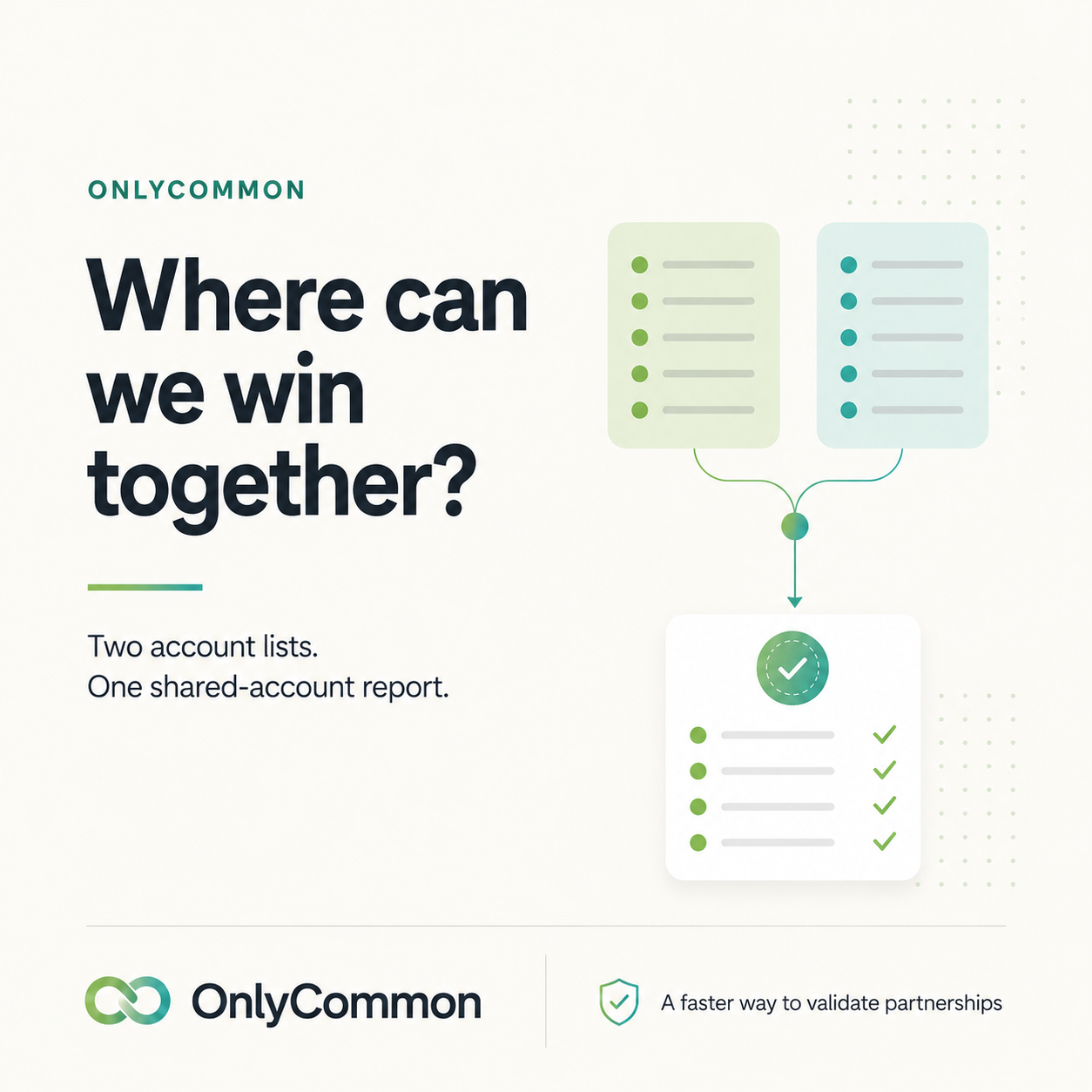
Run your first account mapping in five steps: prep a clean account list, pick the right match type, run a private match (each side uploads, only the overlap is revealed), prioritize the shared accounts, and connect the right sellers. Aim to leave the session with named accounts and named owners — not a "we'll follow up."
Before the session
1. Choose the partner. Start with a partner whose product is complementary and whose customers likely overlap with yours. A good first partner makes the playbook obvious.
2. Prepare your account list. Export the accounts you want to map — customers, target prospects, or both. Useful columns:
- Company name and country
- Website / domain
- (Optional) DUNS or VAT/registration number for tighter matching
- For a Team Match: the account owner's name and email
Don't over-polish it. A good matching tool normalizes names and matches across domain, company name, DUNS, and VAT, so "Acme GmbH" and "Acme Deutschland" still line up.
3. Decide Team Match vs Direct Match.
- Team Match includes account owners, so the tool can auto-introduce the right sellers once the overlap is found. Best when you want to move straight into co-sell.
- Direct Match is company-level only — a quick overlap check without owners.
Running the match
4. Start the match and invite your partner. With the right tool, you send a link; your partner uploads their list once — no account, no CRM integration required.
5. Both sides upload privately. Each company contributes its list. Only the accounts that appear on both are revealed; non-matching rows are never shown, and raw files are deleted after processing. This is what lets you map the whole list instead of just the deals top of mind — neither side is exposed.
6. Read the overlap. You'll get a clean list of shared accounts, the match type (domain, DUNS, VAT), and a confidence signal. This is your co-sell target list.
After the match
7. Prioritize. Sort the shared accounts by where there's an active opportunity or a strong existing relationship on either side. Pick the top 5–10 to start.
8. Connect the sellers. For each priority account, get the two account owners talking. Team Match does this automatically; otherwise make the intros yourself the same day — momentum dies in hand-offs.
9. Agree on a simple play. Per account: who leads, who supports, and the one-line joint value prop.
10. Set a re-map cadence. Lists change every quarter. A quick re-run surfaces new shared accounts as both books grow.
Common mistakes to avoid
- Only mapping active deals. The untouched shared accounts are where partnerships create new pipeline — map the whole list.
- Stopping at the overlap. A list of common accounts isn't co-selling. Intros + a plan are.
- Letting privacy fears shrink the list. Use a tool that reveals only the overlap, so both sides share freely.
- Making it a one-time event. The best programs re-map regularly.
OnlyCommon turns this whole playbook into a two-minute setup: upload a list, invite your partner by link, and get a clean shared-account report with the right sellers connected. Map a partner free. Learn more about our customer overlap software.
FAQ
How long does an account mapping session take? With an upload-based tool, the match itself takes minutes; the value is in prioritizing and connecting sellers afterward.
What data do I need to map accounts? At minimum company name and domain; DUNS/VAT and account owners improve matching and enable seller intros.
How often should we re-map? Quarterly is a good default — books change and new overlaps appear.
Validate the partnership before you invest in it.
Compare account lists privately, identify the real opportunity, and build the business case before integrating systems.