How partner account mapping actually works
TL;DR
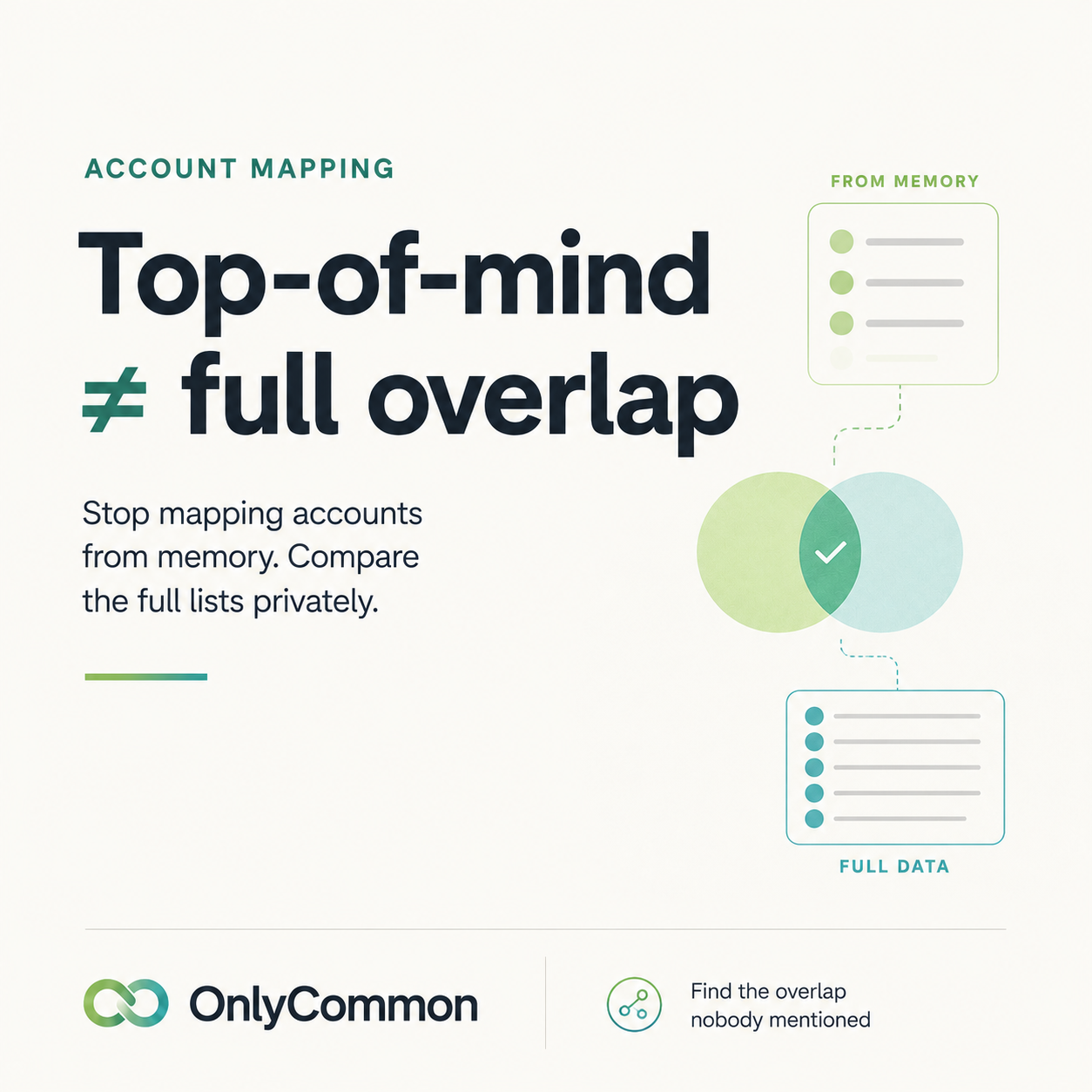
Partner account mapping finds the accounts two companies share so their sellers can co-sell. The usual way — a call with both CRMs open — only surfaces the deals top of mind, so most of the overlap is missed. A structured, private match (each side uploads a list; only common accounts are revealed) finds the whole overlap and connects the right sellers.
What partner account mapping is
When two companies partner, some of their customers and prospects overlap. Account mapping is finding that overlap. Those shared accounts are gold: you both already have a relationship, so a coordinated, joint motion is the fastest path to a bigger deal. Account mapping is step one of any serious co-sell program.
The way most teams do it — and why it falls short
In practice, mapping usually happens on a call. Two people — or two partner managers — get on a Zoom with their CRMs open and compare notes.
The problem is what gets compared: only the accounts top of mind. This quarter's focus deals. The named accounts someone happens to remember. The long tail you both share — often most of it — never comes up. And nobody is going to read out their entire customer list, so there's no safe way to surface the rest.
For partner managers it's even heavier. It's rarely one call:
- A mapping session to compare overlaps.
- Then each side goes back to rally its own sellers and brief them on the shared accounts.
- Then follow-ups to actually coordinate.
It's slow, manual, and partial — most of the opportunity is left on the table.
A better process
A structured account match fixes both problems — completeness and privacy:
- Start a match and invite your partner with a link.
- Each side uploads its account list privately.
- Only the accounts you have in common are revealed — non-matching rows are never shown.
- The right sellers get connected automatically, so the people who own each relationship can plan the deal.
Because neither side exposes their full list, you can safely compare everything — not just what you'd remember on a call — so you find the complete overlap.
Team Match vs Direct Match
Two common flavors of a match:
- Team Match includes the account owners on each side, so once the overlap is found, the tool can introduce the right sellers to each other automatically — no manual relay.
- Direct Match is company-level only (no owners) — useful for a quick, lighter overlap check.
Tips for partner managers
- Map the whole list, not just active deals. The accounts nobody's working yet are where partnerships create new pipeline.
- Get sellers involved fast. Automatic intros beat a round of internal hand-offs.
- Keep it private. Partners share more freely when they know only the overlap is revealed and raw files are deleted.
- Re-map periodically. Lists change; a quick re-run surfaces new shared accounts.
The takeaway
Account mapping isn't really about speed — it's about completeness. The call-based approach is fast but surfaces a fraction of the overlap. A private, structured match finds all of it, safely, and gets the right people talking.
OnlyCommon makes this a two-minute job: upload a list, invite any partner by link, see every account you share — privately. Map a partner free. Learn more about our partner account mapping software.
FAQ
What is partner account mapping? Finding the customer and prospect accounts two partner companies have in common, so their teams can co-sell into them.
Why do most teams miss accounts when mapping? Because mapping on a call only surfaces the deals top of mind; the shared accounts nobody mentions stay hidden.
How do I map accounts with a partner privately? Use a tool where each side uploads a list and only the common accounts are revealed — your full list is never shared and raw files are deleted.
Validate the partnership before you invest in it.
Compare account lists privately, identify the real opportunity, and build the business case before integrating systems.